
TL;DR
- Start with deterministic workflows when you need repeatability and auditability; add AI agents only when the next step truly depends on context and tool-calling.
- The best n8n AI automation use cases save time by removing context switching across inbox → docs → CRM → chat.
- Begin with low-risk AI: classification, summaries, enrichment, and drafts with approval before you let anything take actions.
- Add guardrails early: confidence thresholds, allowlists, dry-run mode, and mandatory human approval for customer-facing outputs.
- Copy building blocks from n8n's AI workflow templates instead of starting from scratch.
- Treat your automations like software: versioning, reviews, ownership, and incremental changes.
- Track business-real KPIs: time-to-first-response, cycle time, lead-to-meeting rate, and the approval rate of AI drafts.
- Start with classification, drafts, and summaries, then scale up to full agents once the basics are proven.
If you want a quick walkthrough before building, an n8n AI workflow demo video can be a helpful reference.
If you prefer not to build and maintain AI automations in-house, working with an experienced implementation partner can significantly reduce rollout time and risk. For a broader menu of ideas beyond n8n specifically, see our roundup of AI automation ideas for business.
Teams like CodeGeeks Solutions, through our AI Automation Services for Businesses, help design, deploy, and govern production-grade AI workflows - from use case discovery and architecture design to guardrails, integrations, and KPI tracking.
This is especially valuable when automations touch CRM systems, customer communications, financial workflows, or legacy infrastructure where reliability, compliance, and observability matter.
Workflow vs AI Agent - When to Use Which
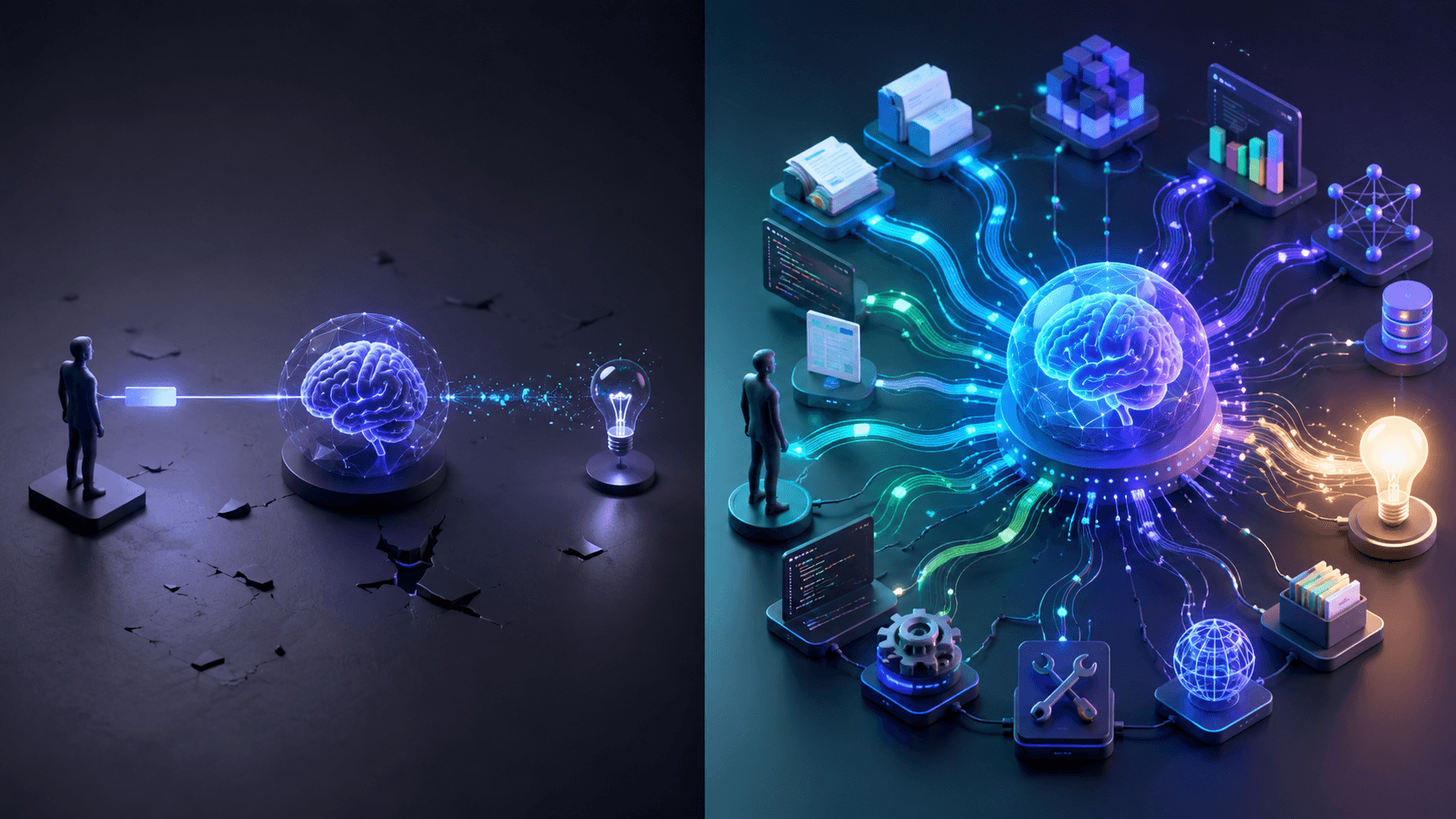
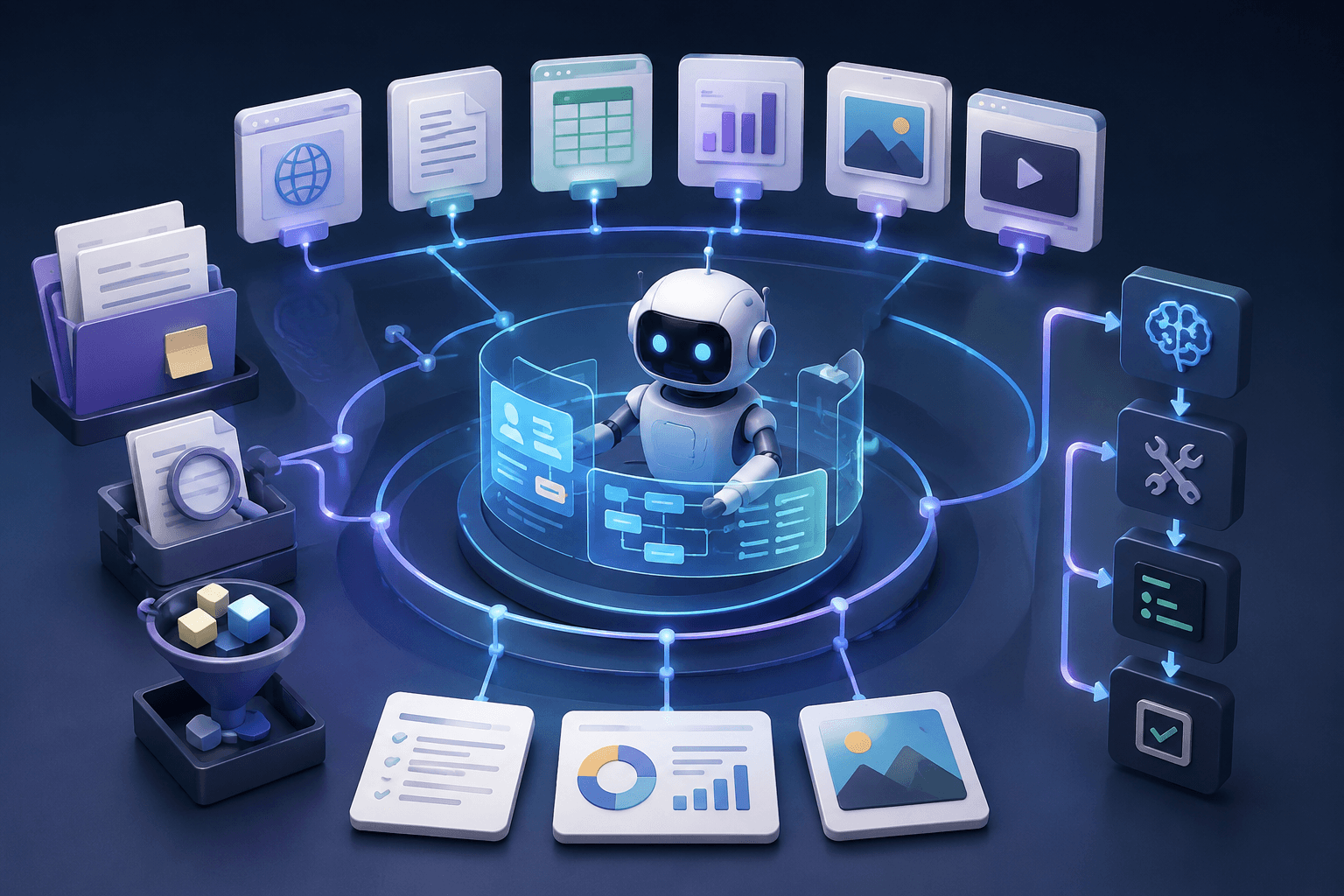
In n8n, a workflow is a deterministic scenario: input → steps → output. It's predictable, testable, and easier to govern. An AI agent is dynamic: it decides what to do next by calling tools such as search, CRM updates, document retrieval, and ticket actions based on the situation.
A simple rule:
- Use a workflow when you can define the steps upfront and want consistent outcomes.
- Use an agent when the best next action varies per case and the system needs tool access to figure it out.
This distinction matters because teams often rush into agent-first builds, then discover the hard part isn't generating text - it's keeping automation reliable, safe, and affordable. Below are practical n8n AI automation examples you can replicate quickly, plus a safe way to step into n8n AI agent automation use cases when you're ready.
For a deeper look at how agents decide what to do next, see our guide to AI agents. We also explain how AI agents work with context in a dedicated article.
12 n8n AI Automation Examples and Use Cases
Here are 12 of the best n8n automations and workflows we see production teams actually ship, ordered from lowest to highest risk.
1. Email Triage and Routing
What it does: Classifies inbound emails as support, sales, billing, or operations requests and routes them to the appropriate queue.
Why it works: Your team stops scanning inboxes manually and missing time-sensitive messages.
How to build: Email trigger → AI classification → labels → routing to Slack, ticketing software, or CRM.
Guardrails: Add a minimum confidence threshold and a fallback label such as “Needs human review.”
2. Support Reply Drafts With Approval
What it does: Drafts a support reply using ticket context, then waits for approval before sending it.
Why it works: You accelerate response time without sending hallucinations or incorrect promises.
How to build: New ticket → fetch customer history → draft reply → create internal note → approve and send.
3. Meeting Notes → Tasks
What it does: Turns transcripts into decisions and action items, then creates tasks in Jira, Asana, or ClickUp.
Why it works: It eliminates the problem of discussing work without creating the necessary tasks.
How to build: Transcript input → summarize → extract tasks → create issues with owners and due dates.
Guardrails: Preview the extracted tasks and confirm them before mass creation.
4. Lead Enrichment and Scoring
What it does: Enriches lead data and assigns a score that triggers routing to an SDR or nurture campaign.
Why it works: SDRs spend more time on leads with real potential.
How to build: Form submission → enrichment → scoring → CRM update and assignment.
5. Sales Outreach Message Generator
What it does: Generates two or three personalized outreach drafts based on role, industry, and pain points.
Why it works: You get relevant messages faster without sending generic AI spam.
How to build: Lead context → generate variants → SDR selects or edits → send.
Guardrails: Add a banned claims list and require personalization fields such as industry, role, and trigger.
6. Internal Knowledge Base Q&A Bot
What it does: Answers internal questions using policies, SOPs, product notes, and other company documentation.
Why it works: It reduces interruptions and keeps answers consistent.
How to build: Slack or Teams question → retrieve sources → generate an answer with links to the sources.
7. Content Brief → Draft Workflow
What it does: Converts a brief into an outline and draft, then sends it to a document for editing.
Why it works: It reduces time to the first draft without removing editorial control.
How to build: Brief input → outline → draft → push to Google Docs or Notion.
8. Weekly Performance Summary
What it does: Pulls weekly KPIs and produces a short narrative summary.
Why it works: It turns dashboards into decisions without requiring someone to spend hours writing updates.
How to build: Scheduled trigger → fetch metrics → summarize → post to Slack or email.
9. Website Change Monitor
What it does: Monitors selected pages and summarizes what changed.
Why it works: It catches pricing shifts, new positioning, or feature page updates early.
How to build: Scheduled fetch → compare versions → AI summary → notification and log.
10. Operations Intake Copilot
What it does: Converts unstructured requests into organized tickets with required fields and a checklist.
Why it works: It reduces back-and-forth communication and missing information.
How to build: Form or email trigger → identify missing details → generate checklist → create ticket.
11. AI Agent That Takes Actions
What it does: Given a goal, the agent dynamically selects tools, such as resolving a ticket or qualifying a lead.
Why it works: Some tasks cannot be fully scripted and require the system to adapt.
How to build safely: Agent proposes a plan → human approves → permitted actions execute.
Guardrails: Use tool allowlists, action approval, and propose-first mode.
Before designing what an agent is allowed to see and do, it is worth understanding context engineering vs prompt engineering.
12. Workflow Governance and Versioning
What it does: Treats workflows like software by making them versioned, reviewed, and owned.
Why it works: It prevents situations where nobody knows who changed an automation or why it stopped working.
How to build: Export workflows → store them in Git → review changes like code.
Common Mistakes and How to Avoid Them
| Common mistake | What it looks like | How to avoid it (practical fix) |
|---|---|---|
| Using an agent when a workflow is enough | You build a dynamic agent for a process that is actually predictable. | If the steps are known, keep the process deterministic. Use agents only when the next step truly depends on context and tool-calling. |
| No human approval where it matters | AI sends customer-facing replies, changes billing or CRM fields, or triggers actions automatically. | Add an explicit approval gate before any external message or irreversible action: draft → review → approve. |
| No audit trail | You cannot explain why the automation did something or what data it used. | Log inputs, outputs, decisions, and actions with timestamps and IDs. Keep records for debugging and compliance. |
| Over-automation too early | You automate actions before proving the AI system's reliability. | Start with assistive AI such as summaries, drafts, and enrichment. Run it in dry-run or shadow mode before enabling actions. |
| No ownership | Automations break over time because nobody maintains them. | Assign an owner responsible for changes, costs, KPIs, drift, and regular reviews. |
What to Track
Track outcomes, not AI activity:
- Support: time-to-first-response, time-to-resolution, reopen rate, percentage of approved drafts.
- Sales: lead-to-meeting rate, reply rate, time-to-first-touch, enrichment completeness.
- Marketing: time-to-publish, content throughput, weekly report adoption.
- Operations: request cycle time, handoff count, error rate.
- Cost control: AI calls per run, average tokens per run, percentage of runs that needed AI.
How CodeGeeks Solutions Can Help
Most teams can build a demo. The hard part is creating something reliable, safe, and maintainable as business rules evolve, especially when workflows touch customer communications, CRM logic, or core systems.
At CodeGeeks Solutions, we help teams:
- Choose starter n8n AI automation use cases with measurable ROI.
- Design workflow and agent boundaries and tool allowlists.
- Add approval gates, logging, and governance.
- Ship production-ready automations that continue working as requirements change.
Explore our approach at CodeGeeks Solutions and review client feedback through CodeGeeks Solutions reviews on Clutch.
Final Thoughts
The best n8n AI workflow automation examples are not necessarily flashy. They are reliable workflows that remove repetitive work and keep humans in control where it matters.
Start with deterministic processes, add AI for summaries, drafts, and enrichment, and only move into AI agent automation after you have established trust with stable workflows.
For companies ready to move beyond templates and isolated workflows, the next step is AI transformation at the organizational level.
FAQ
What are the best n8n AI automation examples to start with?
Email triage, support reply drafts with approval, meeting notes to tasks, and weekly summaries offer high ROI with relatively low risk.
What is the difference between AI workflows and AI agents in n8n?
Workflows follow fixed steps. Agents dynamically decide which steps to take and which tools to call, so agent automation requires stricter guardrails.
When should I use an AI agent instead of a normal workflow?
Use an agent when the path is not predictable and the system needs tool access to investigate a situation or complete a complex request.
How do I add human approval to n8n AI automations?
Insert an approval checkpoint before any customer-facing message or irreversible action. Keep a draft stage and proceed only after approval.
How can I reduce AI costs in n8n workflows?
Call AI only when needed, keep prompts concise, summarize large inputs, cache results, and avoid regenerating content for the same objects.
What are examples of marketing automation with n8n?
Content brief-to-draft workflows, weekly performance summaries, and competitor page monitors are common examples.
What can you automate with n8n?
Almost any repeatable, multi-step task involving more than one tool, including email triage, lead enrichment, meeting notes, internal Q&A, reporting, and ticket intake.