

Intro
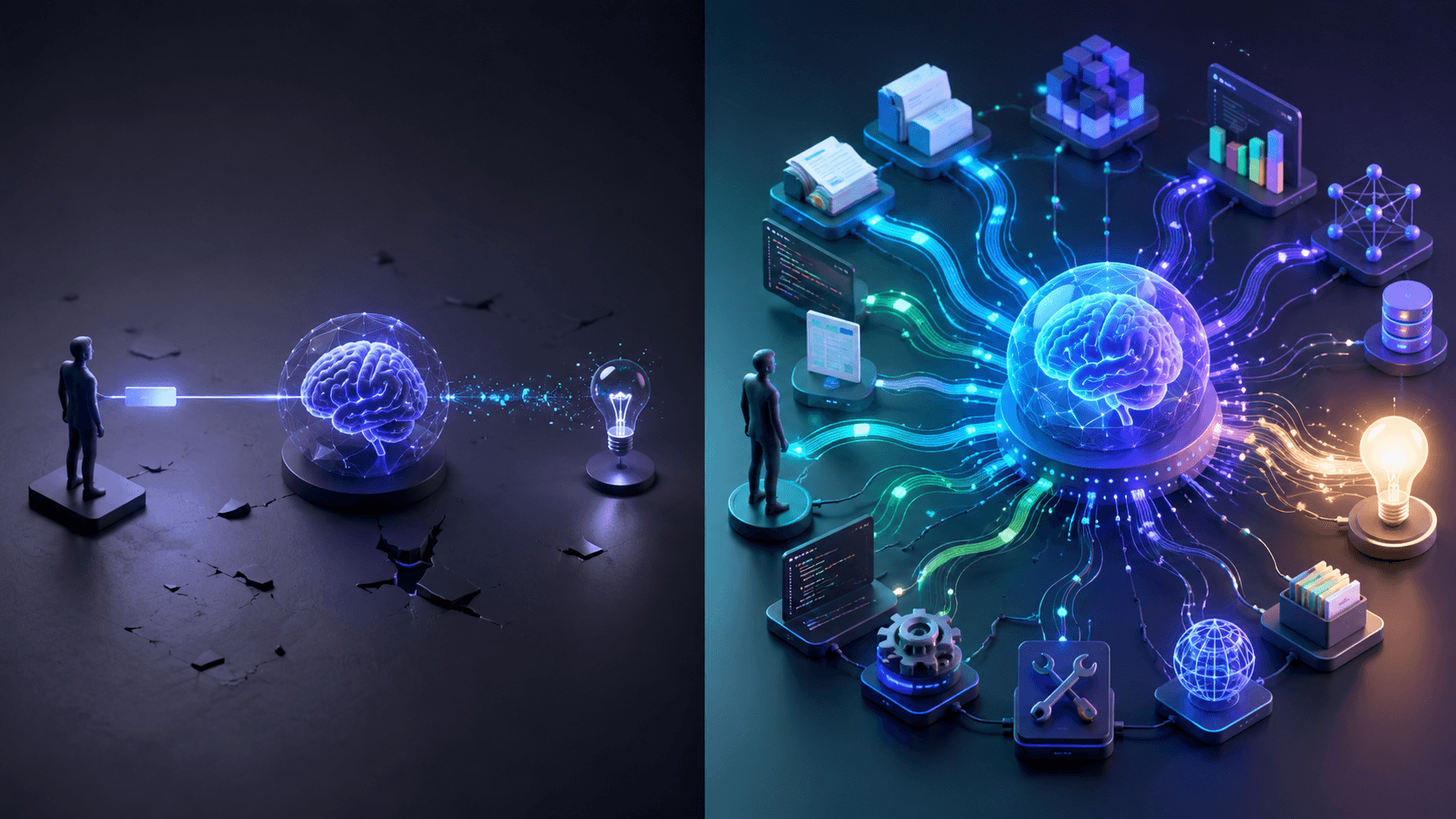
Vibe coding refers to building software by describing intent in natural language and letting AI generate most of the code. The term gained popularity in online developer communities and is documented in sources such as Wikipedia's explanation of vibe coding and Google Cloud's overview of what is vibe coding.
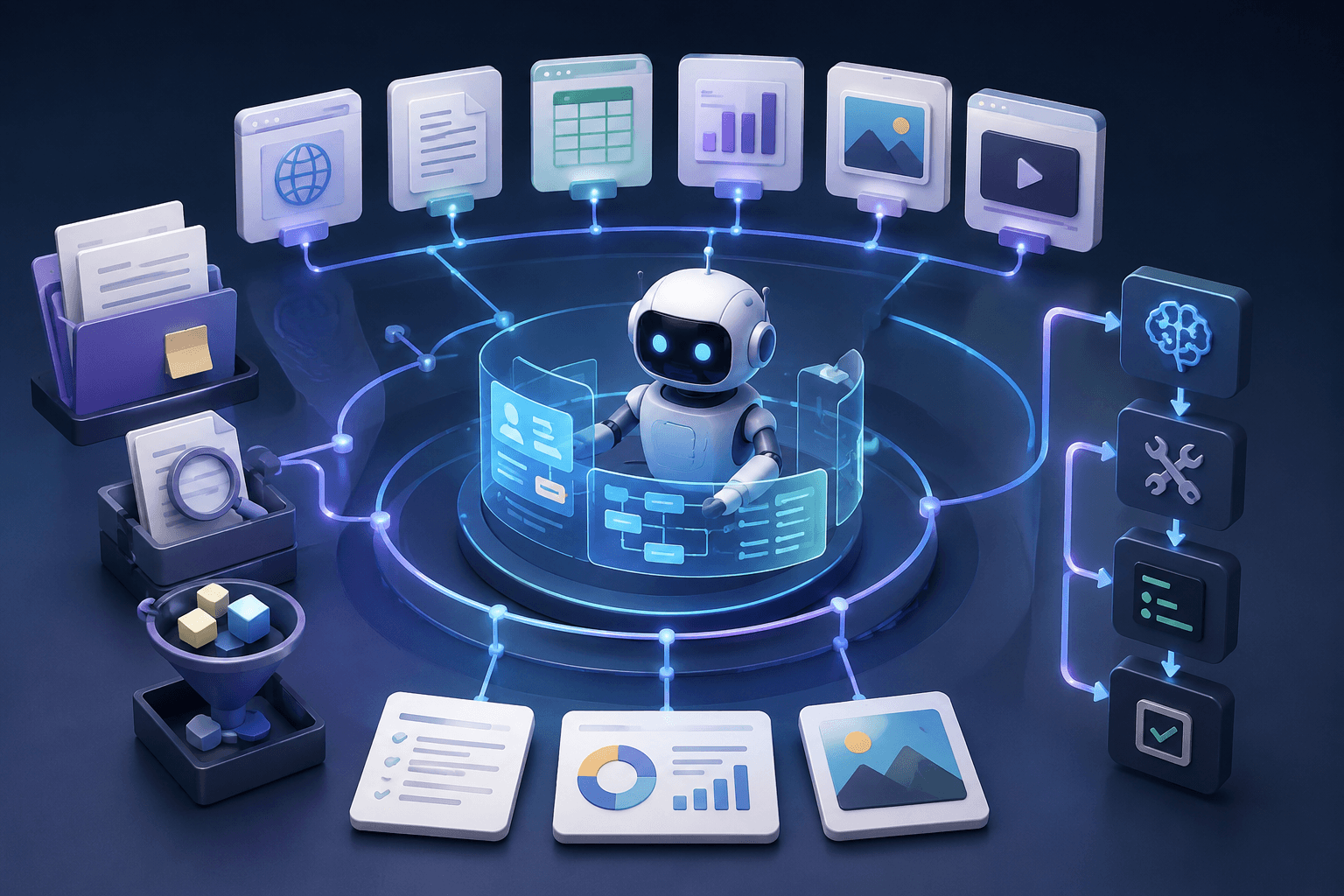
This vibe coding guide will walk through building a small app using a structured process. The goal is not only speed but clarity. By the end, readers will understand workflow design, tool selection, cleanup techniques, and how to avoid fragile code.
What You Need Before You Start
Before following this vibe coding beginner guide, prepare:
A clear problem statement
A simple development environment
One AI coding interface such as Google AI Studio Vibe Code
A version control setup
Basic knowledge of running a local server
Many developers discuss early experiments in communities such as this Reddit thread, which highlights both excitement and confusion around the concept.
This is a guide to vibe coding, not blind automation. Structure matters.
Vibe Coding Tutorial Step by Step (Build One Small App)
This section functions as a vibe coding step by step guide. The example project will be a simple task tracker web app. If you'd rather see the process applied to real products first, we've broken down 10 vibe coding examples and the lessons learned from each.
1. Write a Simple PRD
Before touching any code, jot down what you're actually building. For this walkthrough, keep it tight: Goal: A no-frills task tracking app Who's using it: Solo users, no teams What it does: Add a task, check it off, remove it That's it. Sounds almost too simple - but this kind of upfront clarity is what separates a productive session from a two-hour rabbit hole. AI tools genuinely behave better when you give them a box to work inside.
2. Ask AI to Propose a Plan and File Structure
Vague prompts get vague results - so skip the generic ask and be specific from the start. Something like: "Propose a file structure and implementation plan for a simple task tracker using React and a lightweight backend." Read through what it gives you. Do the folders make sense? Does each file have a clear job? Taking five minutes to review this before generating any code keeps you in control of the process - rather than just along for the ride.
3. Generate the First Working Screen
Ask for one thing: the task list view. Nothing else yet. Get the output, pull it up locally, and actually use it - click around, see what happens. Skipping this step and jumping straight to the next feature is exactly where projects start quietly breaking down.
4. Run It Locally and Confirm It Works
Manually test the three core interactions: Add a task Mark it complete Delete it Don't move on until all three behave consistently. A lot of vibe coding sessions go sideways precisely here - people skip the checkpoint and build on top of something that was already quietly broken.
5. Add the Next Feature - One Small Thing at a Time
Say you want to add filtering. Keep the prompt narrow: "Modify only the task list component to add a filter for completed tasks." Scoping your prompts this tightly isn't just good habit - it's the difference between a clean addition and a cascade of weird regressions you didn't ask for.
6. Add Basic Error Handling
Ask AI to: Handle empty inputs Display user friendly error messages Prevent duplicate submissions AI generated code often omits edge cases.
7. Add Simple Tests or Manual Checklists
Even minimal tests improve reliability. If using automated tests, ask AI to create simple unit tests. Otherwise, define a manual validation list.
8. Refactor for Readability
Once things are working, hand it back with a clear instruction: "Refactor this code to remove duplicated logic and improve readability without changing functionality." This isn't just housekeeping - cleaning up regularly is one of the core habits that keeps AI-assisted projects from turning into code you're afraid to touch two weeks later. Refactoring aligns with recommendations outlined in best practices for AI refactoring legacy code.
9. Commit and Document How to Run
Add a README: Installation steps Run commands Environment requirements Documentation separates a prototype from a usable asset.
This concludes the hands on portion of this best vibe coding tutorial and best practices.
Best Vibe Coding Tools
Selecting the right stack determines productivity.
Best Tools for Beginners
For a beginner vibe coding tutorial, choose: Google AI Studio Vibe Code Simple frontend frameworks Local development tools These are accessible entries in the broader category of AI vibe coding tools.
Best Tools for Developers
Experienced developers may combine: Advanced IDE integrations Automated test frameworks Deployment pipelines A structured vibe coding tool tutorial should emphasize integration rather than isolated prompts.
How to Choose
When selecting from a vibe coding tools list, consider: Language support Testing capabilities Deployment compatibility Security review support This forms a practical overview of the broader tools for vibe coding available today. For a deeper side-by-side comparison, see our roundup of vibe coding tools and the best AI coding assistants and platforms.
Common Mistakes (Why Vibe Coding Fails)
Common pitfalls include: Generating too much at once Skipping testing Ignoring architecture Not reviewing security - see our vibe coding security risks and vulnerabilities checklist before this one bites you in production A detailed comparison in vibe coding vs traditional coding highlights tradeoffs between speed and structure. Even the best tools for vibe coding cannot replace engineering discipline.
Vibe Coding Best Practices Checklist
The steps above hold together because they follow a consistent pattern. Condensed, here's a set of vibe coding best practices - or vibe coding tips, if you prefer the shorter name - to run through before calling any AI-assisted feature done:
Write a one-paragraph PRD before prompting anything, so the AI has a box to work inside.
Review the proposed file structure and plan before generating code, not after.
Build and test one small piece at a time - one screen, one feature, one fix.
Run every change locally and confirm the core flow still works before moving on.
Keep prompts narrow and scoped to a single component or function.
Add error handling and edge-case checks as a deliberate step, not an afterthought.
Refactor for readability on a regular cadence, not just before a deadline.
Document how to run and deploy the project as you go, not at the very end.
Treat this less like an aspirational list and more like a checklist to actually run through - the projects that stay maintainable are usually the ones where someone followed it.
Why Vibe Coding Isn't Enough for Production
Vibe coding accelerates ideation and prototyping. It works well for demos, internal experiments, and early validation cycles. However, production systems require stability, predictable architecture, and long term maintainability.
In practice, vibe generated code often contains duplicated logic, inconsistent naming conventions, missing validation, and limited test coverage. These issues are not always visible during early testing but tend to surface as the application grows. Security gaps and fragile deployment scripts also become more apparent over time.
Because of these patterns, many teams introduce a formal cleanup stage before release. This phase typically includes architectural review, structured refactoring, proper test coverage, and deployment hardening. If you're wondering how to clean up vibe code before it reaches real users, that cleanup stage is exactly where to start - not after something breaks in production. CodeGeeks Solutions provides a structured approach through its Vibe Coding Cleanup as a Service, helping teams transform experimental code into production ready systems with clearer structure and maintainable components.
Independent validation of technical execution and delivery standards can be reviewed through the Clutch profile of CodeGeeks Solutions, where client feedback reflects real project outcomes rather than marketing claims. External reviews are often a critical step when evaluating a technical partner for post prototype stabilization.
For organizations working with older infrastructure, cleanup sometimes connects to broader modernization efforts. In those cases, initiatives such as AI driven legacy modernization services help align AI generated components with existing systems while reducing technical debt accumulated over years of incremental development.
When automation and workflow optimization are part of the scaling plan, structured implementation through AI automation services for businesses ensures that AI generated logic integrates properly with operational pipelines and governance models. This reduces the risk of isolated automation that cannot scale across teams.
Documented transformation examples and applied delivery models can be reviewed within published case studies, where real implementation scenarios illustrate how prototype level solutions evolve into enterprise grade systems.
Organizations without sufficient internal capacity often evaluate external collaboration models. A broader discussion of structured outsourcing approaches is available in 5 key benefits of outsourcing software development, which outlines how external engineering support can reduce risk during stabilization phases.
A prototype demonstrates possibility. Production requires discipline, governance, and structured refinement.
Final Thoughts
This vibe coding tutorial or guide makes one thing clear: AI-assisted development doesn't have to feel chaotic. Structure and speed aren't opposites - you can move fast and still stay in control.
But speed doesn't let you off the hook. Every decision you delegate to an AI is still your decision. The output has your name on it.
A disciplined vibe coding platform tutorial approach pairs well with good habits - clear prompts, small steps, actual testing, and the willingness to clean things up when the code gets messy. Done that way, AI genuinely accelerates how quickly you can explore ideas. Done carelessly, you're not saving time - you're just borrowing it from your future self, who will have to untangle the mess.
Think of AI as a collaborator who's fast, capable, and completely literal. Your job is still to think.
FAQ
Is vibe coding good for beginners? Yes, when used with structure and small scoped prompts. A clear tutorial for beginners helps prevent overwhelm and fragile results.
Which tool is best for vibe coding? The best tool depends on skill level and project scope. For many users, AI assisted platforms such as Google AI Studio provide an accessible starting point.
How do I keep AI from breaking my code? Limit scope in prompts, test frequently, refactor regularly, and review all outputs before committing changes.
How do I move from prototype to production? Introduce structured refactoring, add tests, validate architecture, and consider a formal cleanup phase before deployment.
How do I clean up vibe-coded code before shipping it to production? If you're figuring out how to clean vibe code before a real release, start with a structured review: flag duplicated logic, missing validation, and inconsistent naming, then add test coverage for the flows that matter most. Many teams follow that with a dedicated cleanup pass - like CodeGeeks Solutions' Vibe Coding Cleanup as a Service - rather than trying to catch everything during the original build.